
Last updated October 30, 2026
 Wrought iron
 Wood & steel frame
 Farm & ranch
 Sliding driveway gates
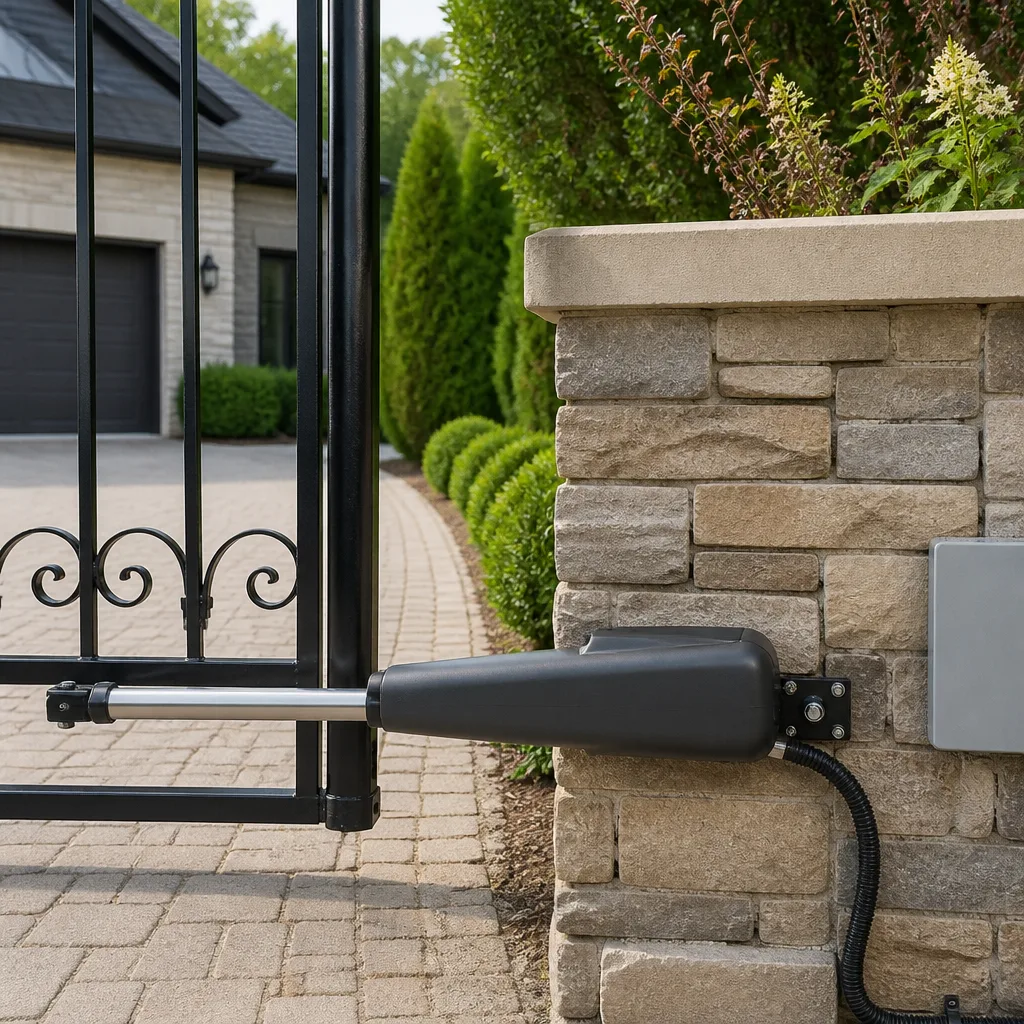 LiftMaster operators
Free on-site gate assessment - hinges, posts, and your LiftMaster or Nice gate operator checked before anything is quoted
The assessment is free and the quote is the invoice.
Get your free estimateGate Repair Troubleshooting: Common Problems and How to Fix Them
“It just stopped working.” If you’ve ever said that to a repair technician, you already know the look you get back. It’s the same look a mechanic gives when you describe your car trouble as “it makes a noise.” The vaguer the description, the longer the diagnosis takes, and the more the visit costs. In Daytona Beach, where salt air and summer lightning take a steady toll on gate electronics, we field calls every week from homeowners and property managers who could have cut their repair time in half simply by knowing what to look at before dialing. This guide—along with our Gate Repair Warning Signs: A Daytona Beach Homeowner’s Reference Guide—teaches you to read your operator’s error codes and symptom patterns the way a technician does. By the time you call us, you’ll be able to say exactly what the gate is doing, what the control board is showing, and what you’ve already ruled out. That’s the difference between a 30-minute fix and three service trips.
Styles & brands we work with
Quick Answer
Most automated gate failures trace to one of four things: a power interruption (tripped breaker, dead backup battery, blown fuse on the control board), a safety sensor fault (photo eyes misaligned or blocked), a limit switch that lost its setting, or a mechanical bind in the gate itself. Start by checking power at the outlet and reading the LED indicators on your operator’s control board before calling our Gate Repair services technician. If the board shows a steady diagnostic blink pattern, write down the sequence. It’s the single most useful piece of information you can give a repair specialist over the phone.
Table of Contents
- How to Read Operator Error Codes and LED Blink Patterns
- Won’t Open vs. Opens But Won’t Close: Two Completely Different Problems
- Power Problems: Breakers, Batteries, and Blown Fuses
- Safety Sensor Faults: Photo Eyes, Edges, and Loops
- Mechanical Binds: Hinges, Wheels, and Track Alignment
- How to Tell If It’s the Control Board, the Motor, or the Hardware
- Repairs Homeowners Attempt That Make Things Worse
- Common Mistakes to Avoid
- When to Call a Professional
- Frequently Asked Questions
- The Bottom Line
How to Read Operator Error Codes and LED Blink Patterns
Every modern gate operator has a control board with diagnostic LEDs that flash in specific patterns when something goes wrong. The trick is knowing what those flashes mean for your particular brand. Different manufacturers use different blink sequences, and a LiftMaster won’t communicate the same way a FAAC will. Here’s what to look for on the operators we see most often in the Daytona Beach area.
FAAC: Count the Blinks, Check the Chart
FAAC boards use a numbered blink sequence on the red LED. A steady slow flash usually means the board is in standby and healthy. Rapid flashing indicates an active fault. FAAC’s specific patterns vary by model (the 400 series, 760, and 390 all differ slightly), but a common sequence is two blinks for a motor capacitor issue, three for a limit switch fault, and a continuous rapid flash when the board detects a short in the accessory circuit. FAAC prints the blink chart inside the control box cover in most models. If you open the box and see a small printed diagram, photograph it with your phone. When you call a specialist for electric gate repair, that photo alone can confirm the diagnosis before a truck ever leaves the shop.
LiftMaster: Arrow Up, Arrow Down, and the Learn Button
LiftMaster residential and commercial operators use a diagnostic LED near the learn button. A flashing diagnostic LED with the gate stopped typically indicates a force reversal (the gate hit something and reversed) or a sensor fault. On LiftMaster slip-clutch models, the diagnostic LED flashes a specific number of times: four flashes for a sensor obstruction, five for a motor overheat, six for a limit switch that never registered. The most common we see in coastal Florida is a photo-eye alignment fault caused by wind-driven rain or sprinkler overspray hitting the sensor lens.
Ghost Controls and Mighty Mule: Tone Alerts and Beeping Patterns
Ghost Controls operators, which are popular on mid-sized residential gates, use audible beep codes as well as LED indicators. A continuous beeping during operation after a power outage means the operator lost its limit settings. The fix is a relearn procedure, but the sequence itself is brand-specific. Mighty Mule systems use similar audible alerts on their control boards; on older Mighty Mule MM360 and MM371 models, a double beep at startup indicates the board is reading a stuck accessory input. In our experience, many Daytona Beach dual-swing gate failures on Mighty Mule systems happen after summer thunderstorms knock out power. When power returns, the board powers up before the gate re-establishes its limit reference. That’s the “gate opens a few inches and stops” symptom we hear about most in August.
The key point for any brand: don’t ignore the indicator lights or beeps. They’re not random. They’re the board’s attempt to tell you what’s wrong. Write down the pattern, count the flashes, and keep that note for whoever ends up fixing the gate.
Won’t Open vs. Opens But Won’t Close: Two Completely Different Problems
This is the single most useful distinction in gate troubleshooting. A gate that won’t open and a gate that opens but won’t close are almost never caused by the same thing. Mixing them up sends you down the wrong diagnostic path and wastes an hour or more.
When the Gate Won’t Open at All
A gate that sits dead when you press the remote or keypad is most likely a power or logic problem. The first check is always the outlet, the breaker, and the operator’s power switch. If the board shows no lights at all, the operator isn’t receiving power. That points to a GFCI trip, a tripped breaker in the panel, a blown control board fuse, or a failed transformer. Daytona Beach properties with older electrical panels see GFCI trips more often in the wet season, when humidity condenses inside outdoor outlet boxes.
If the board has power but the motor won’t engage, the fault shifts to the logic side: a dead remote battery, a keypad that lost its programming, a loop detector that isn’t sending an open signal, or a control board relay that’s stuck. We test the easy things first: replace the remote battery, try the wired keypad, then look at the board’s input LEDs. On LiftMaster and FAAC boards, each input (open, close, loop, safety) has its own status LED. If the board doesn’t light up when you press a button, the problem lives in the accessory wiring or the button itself, not the board.
When the Gate Opens But Refuses to Close
This is the reverse: power is clearly fine, and the open cycle works. That tells you the motor, capacitor, and open-limit switch all function. The failure is in the close direction. The most common cause in Daytona Beach and every other coastal market is a safety sensor fault. Photo eyes that are misaligned, dirty, or shorted tell the board “there’s something in the path” and the board refuses to close. That’s the board doing its job. The problem is the sensor, not the logic.
Less common but still frequent: a close-limit switch that lost its setting, a gate that physically binds in the last few inches of travel, or a loop detector that’s stuck sensing a “vehicle present” condition. Each of those requires a different fix, which is why we treat “opens but won’t close” as a sensor and limit problem rather than a power problem.
Power Problems: Breakers, Batteries, and Blown Fuses
Before you touch anything else, verify power delivery. Most gate operators plug into a standard 110V outlet, often inside a weatherproof box near the operator. That outlet feeds a transformer, which steps voltage down to the 24V DC or AC that the control board uses. Any break in that chain kills the gate.
- Check the outlet. Plug in a lamp or a phone charger. If the outlet is dead, test the GFCI reset button on the outlet itself, then check the breaker panel. In Daytona Beach, outdoor outlets are required to be GFCI-protected, and these outlets trip more often on gates than any other outdoor circuit because of the load an electric motor draws at startup.
- Check the operator’s own power switch. Many operators have a manual power switch on the side or inside the control box. A landscaping crew, a pressure washing contractor, or a curious kid can flip it accidentally.
- Check the board fuse. Most control boards have a small glass or blade fuse that protects the low-voltage circuit. If the fuse is blown, replacing it may restore the gate immediately. But ask yourself why it blew. A fuse rarely fails on its own; it usually blows because a short occurred somewhere in the wiring or a motor capacitor failed. Swapping a blown fuse without addressing the underlying cause means that fuse will blow again, possibly taking the board with it.
- Check the battery backup. If your gate has one, a dead or swollen battery can prevent the board from powering even when AC power is present. Cutoff operators and battery-backup systems are more common on commercial gates in the Daytona Beach area, especially on Beach Street and along the A1A corridor where power outages from summer storms are more frequent.
Safety Sensor Faults: Photo Eyes, Edges, and Loops
Automated gates are required by UL 325 and federal safety standards to have at least one, and usually two, entrapment-protection devices. These devices are the gate’s way of not crushing people or cars. They also happen to be the source of more service calls than any other component.
Photo eyes are the paired sensors mounted low on either side of the gate opening. One sends an infrared beam; the other receives it. If the beam is broken, the board treats it as an obstruction and refuses to close or stops mid-close. In Daytona Beach, the typical causes are sprinkler heads soaking the lens, wind-blown palm fronds resting across the beam path, and the sun itself. Direct afternoon sun on a photo-eye receiver can overwhelm the infrared signal on some older sensor models. That’s a well-documented problem on west-facing gate openings in Florida.
Safety edges are the pressure-sensitive strips on the leading edge of the gate and on the gate posts. If an edge is dented or crushed, or the internal resistive circuit breaks, the board reads it as a permanent obstruction. Testing an edge requires a multimeter set to resistance. A healthy edge typically reads a steady resistance value printed on the component label. A dead short or an open circuit is a failed edge.
Loop detectors are wired to coils buried in the driveway, and they detect the metal mass of a car. A loop that stays triggered tells the board a car is always present; on many systems, that means the gate will not close. We see this on commercial properties in Daytona Beach more than on residential gates, particularly in industrial-zoned areas west of I-95 where truck traffic is heavier. A failed loop detector or a cut loop wire is an electric-level repair. If you’re replacing detectors and wiring, a specialist from Regent Gate Repair can test the loop’s frequency and inductance to confirm whether the coil itself is intact before you spend money replacing a detector that wasn’t the problem.
Mechanical Binds: Hinges, Wheels, and Track Alignment
Not every gate failure is electrical. A gate that strains, shudders, or stops halfway often has a physical problem: a hinge wearing out, a wheel off its track, or a post that’s shifted in the sandy Florida soil.
- Worn hinge bearings. Steel gates hang on hinges that carry hundreds of pounds. Once a hinge bearing wears, the gate sags and the operator has to work harder to move it. The motor draws more current, the board may trip on overload, and eventually the gate stops moving altogether. We check hinge play with a simple lift test: with the gate in manual mode, we lift the free end and watch for vertical movement at the hinge barrel. Any perceptible slop is a hinge replacement in the near future.
- V-groove wheels off the track. Sliding gates ride on steel wheels in a V-track. When a wheel jumps the track, the gate binds and the motor stalls. A visual inspection tells you immediately: look at the wheel position relative to the track from both sides of the gate.
- Shifting posts. Florida soil, especially in coastal Daytona Beach, is sandy and shifts with wet and dry seasons. A post that’s moved half an inch changes the gate’s swing radius and the latch alignment. If your gate used to close perfectly and now catches on the post or won’t latch, measure the gap between the gate and the post at the top and bottom. An uneven gap indicates post movement.
Mechanical binds are important to catch early because they destroy operators. A motor that stresses against a bound gate for months will eventually burn out its capacitor or strip its gearbox. Then the repair bill covers both the mechanical fix and the electrical one that could have been prevented.
How to Tell If It’s the Control Board, the Motor, or the Hardware
When a gate is completely unresponsive or behaving erratically, the repair path splits into three possibilities: the brain (control board), the muscle (motor), or the skeleton (hardware). Here’s the diagnostic method we use, simplified for a homeowner with a multimeter and a willingness to open the control box.
- Rule out the hardware first. Put the operator in manual mode using the release mechanism. Most operators have a keyed release or a pull handle. With the operator released, try to move the gate by hand. If it moves freely, the hardware is fine. If it’s heavy, binding, or won’t move, stop troubleshooting the electrics and focus on the mechanical issue.
- Check voltage at the motor terminals. With the gate reinstated to automatic mode, activate the open cycle. Set a multimeter to DC or AC (matching what your operator’s label specifies) and probe the motor terminals. You should see the motor’s rated voltage during operation. If voltage is present and the motor doesn’t spin, the motor or its start capacitor has failed. If no voltage is present, the control board is not sending the run command.
- Test the capacitor. Many residential operators use a start capacitor. A swollen or leaking capacitor is visibly failed. A multimeter with a capacitance setting tells you whether the capacitor still holds its rated microfarads. Capacitor failure is one of the most common single-component failures on gate motors, especially units in enclosed metal boxes that bake in the Florida sun.
- Check the board’s run relay. Some boards have an audible click when the run relay engages. If you hear the click but no voltage reaches the motor terminals, the problem is between the board and the motor: a broken wire, a loose terminal, or a failed relay contact. If you never hear the click, the board isn’t processing the command.
This sequence takes about 20 minutes and tells you with reasonable confidence which component failed. When you call for service in Daytona Beach, reporting “the board sends no voltage to the motor” or “the capacitor is swollen” cuts the diagnostic time significantly, because the technician already knows which parts to bring on the truck. For help choosing the right professional, see our How to Hire a Gate Repair Contractor in Daytona Beach: A Step-by-Step Guide.
Repairs Homeowners Attempt That Make Things Worse
Some troubleshooting attempts create more damage than the original problem. We’ve repaired enough of these to know the pattern. Here are the most common ones we see in the Daytona Beach area.
Adjusting the force setting to push through a binding gate. When a gate starts binding and tripping the operator’s force reversal, some homeowners turn up the force dial to muscle through it. The gate now moves, but it’s also capable of crushing a person or a car. Entrapment protection is set by UL 325 standards, not by convenience. A gate that needs more force has a mechanical problem. Cranking the dial masks the root cause and creates a safety liability.
Bypassing a photo eye. When a photo eye fails, it’s tempting to jumper the sensor terminals at the board to get the gate closing again. This works electrically, and it’s also illegal. UL 325-compliant operators are designed to fail safe: if the photo eye circuit is compromised, the gate should not close. Bypassing the sensor removes the safety layer. If someone is injured by that gate, the property owner carries the liability.
Spraying WD-40 on the hinge assembly. Hinges on most automated gates are sealed bearing units, not open bushings. Penetrating oil washes out the bearing grease and accelerates wear. What a squeaky hinge usually needs is replacement, not lubrication. Greaseable hinges exist, but they’re designed for a grease gun, not a spray can.
Resetting the limits without fixing the underlying drift. If a gate’s limits keep drifting, there’s a reason: a worn limit switch, a loose limit cam, or a board that’s losing its memory. Relearning the limits every week treats the symptom. The root cause is a component that needs replacement.
Common Mistakes to Avoid
- Ignoring the symptom pattern. A gate that fails only after rain, only at 3 p.m., or only when the temperature dips below 50 degrees is telling you something specific. Those patterns matter. Note them before you reset anything.
- Replacing the remote before checking the operator. If the keypad also doesn’t work, the remote was never the problem. Test every input device before spending money on a new remote.
- Resetting the breaker repeatedly. A breaker that trips once is an anomaly. A breaker that trips every week is a short or an overload. Every reset re-energizes the fault and gives it another chance to damage the board.
- Adjusting the close limit to fix a sensor problem. When a gate won’t fully close, some people adjust the close-limit setting to force it further. If the issue is a safety sensor, no limit adjustment will help. Now the limit is also wrong.
- Forgetting the battery backup. If your operator has a backup battery and it’s more than three years old, it’s a suspect in any intermittent power issue. Daytona Beach humidity shortens battery life compared to inland locations.
- Skipping the manual release test. This is the fastest way to separate a mechanical problem from an electrical one, and most homeowners never do it. Release the operator, try moving the gate by hand, and re-engage. Two minutes, definitive result.
When to Call a Professional
Some repairs are genuinely DIY-capable: replacing a remote battery, cleaning a photo-eye lens, resetting a tripped GFCI. Others absolutely are not. If you see a blown capacitor, a scorched control board, a gate that moved off its hinges, or any wiring with melted insulation, stop troubleshooting and call a specialist. High-voltage faults in gate operators are not worth the risk of a shock or a fire. The same applies when the gate is a commercial unit running a FAAC, BFT, Linear, or LiftMaster operator with loop detectors and access-control wiring: those systems are designed for trained service professionals. Regent Gate Repair offers free estimates in Daytona Beach. Call (855) 927-1091 and describe your gate’s symptom pattern. We’ll tell you honestly whether it’s a call worth scheduling or something you can handle yourself.
Frequently Asked Questions
Most residential gate repairs in Daytona Beach fall between $150 and $600 depending on the component. A simple photo-eye realignment or limit reset runs at the lower end. A control board replacement or a motor swap for a LiftMaster or FAAC operator runs higher, especially on commercial systems. The best way to get an exact figure is to call (855) 927-1091 with your symptom description. Estimates are free, and we quote the price before any work starts.
For a gate that’s stuck open and leaving your property unsecured, or stuck closed and blocking your vehicle, we prioritize emergency calls. Availability depends on the day and the season. Call (855) 927-1091 and describe the failure; if we can’t reach you the same day, we’ll tell you exactly how to secure the gate in the meantime.
What does a full gate installation include?
A complete installation includes the gate itself, the operator, the hinges or track system, safety sensors, the power run to the operator, and programming of remotes and keypads. If the existing gate can’t be repaired, we’re the same company that can replace it, so you don’t need to coordinate between a repair shop and an installer.
Yes. We run the electrical feed to the operator, install the photo eyes and safety edges, wire the loop detectors, and make sure the system meets UL 325 compliance before we consider the job done. On commercial gates in the Daytona Beach area, that includes testing the loop detectors and the entrapment-protection circuit.
Heat and humidity are the two biggest seasonal factors for coastal Florida gates. Capacitors degrade faster in enclosed metal boxes that reach 130 degrees in the sun. Photo-eye lenses fog with humidity. Ants and geckos nest inside control boxes more actively in warm months. If your gate has a seasonal failure pattern, tell us. It narrows the diagnosis immediately.
Yes, more than most people expect. Control boards, limit systems, and diagnostic codes differ by manufacturer. That’s why we maintain parts and training across nine specific gate-operator brands, from residential Mighty Mule to commercial-grade LiftMaster and FAAC. A technician who only works on one brand will struggle with another. We work on gates in the Flagler Beach area as well as throughout greater Daytona Beach, across all nine brands we service.
The Bottom Line
Gate repair troubleshooting comes down to three disciplined steps: confirm power, read the symptom pattern, and separate mechanical from electrical. The people who get the best results treat the operator’s LED indicators and beep codes as data, not noise. They test the manual release before touching any electrical component. And they call a specialist when the problem is in the high-voltage circuit, the control board, or a commercial access system. In Daytona Beach, where salt air, storms, and heat compress the lifespan of gate components, that discipline saves money and downtime. If your gate is misbehaving, describe the symptoms to us at (855) 927-1091. The call is free, and the diagnosis starts on the phone.
Written by the team at Regent Gate Repair, serving Daytona Beach since 2013. Explore more guides & resources on our blog.
See the difference
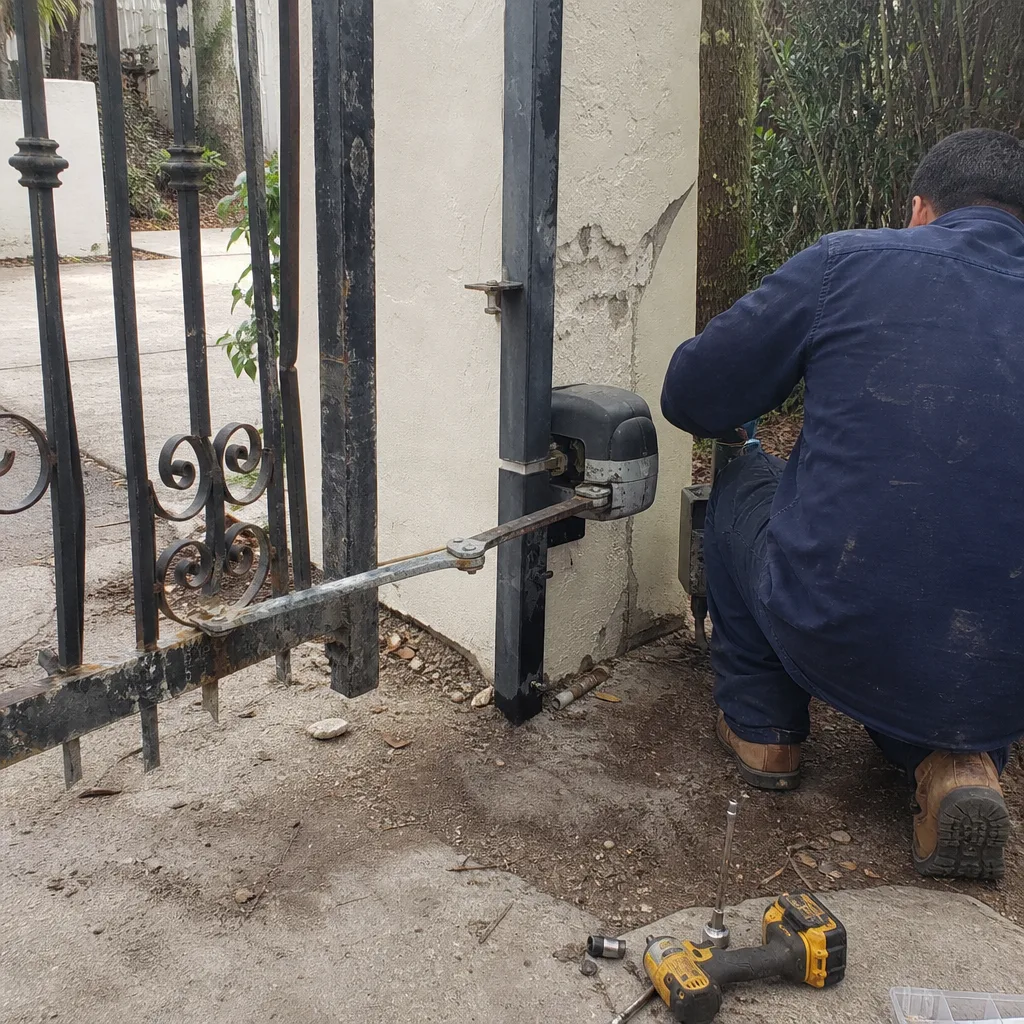 Before
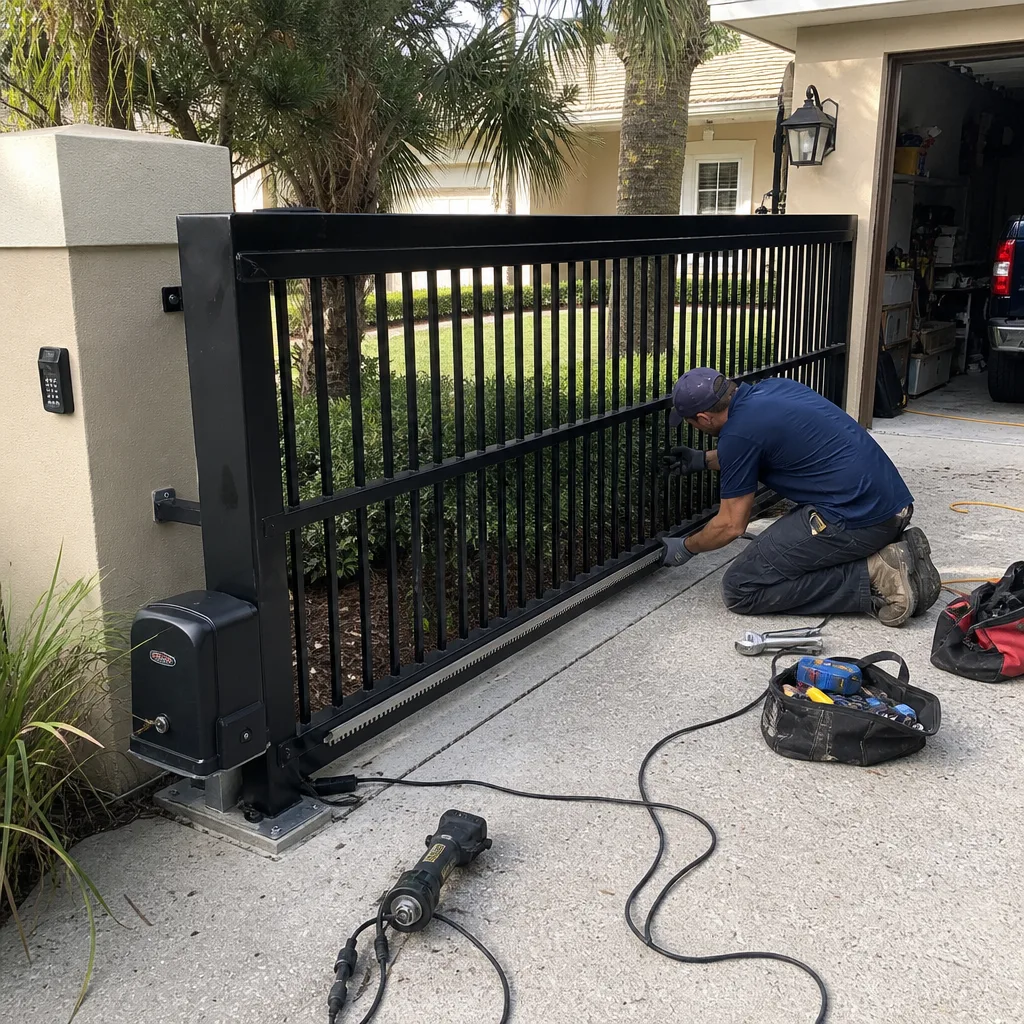 After
After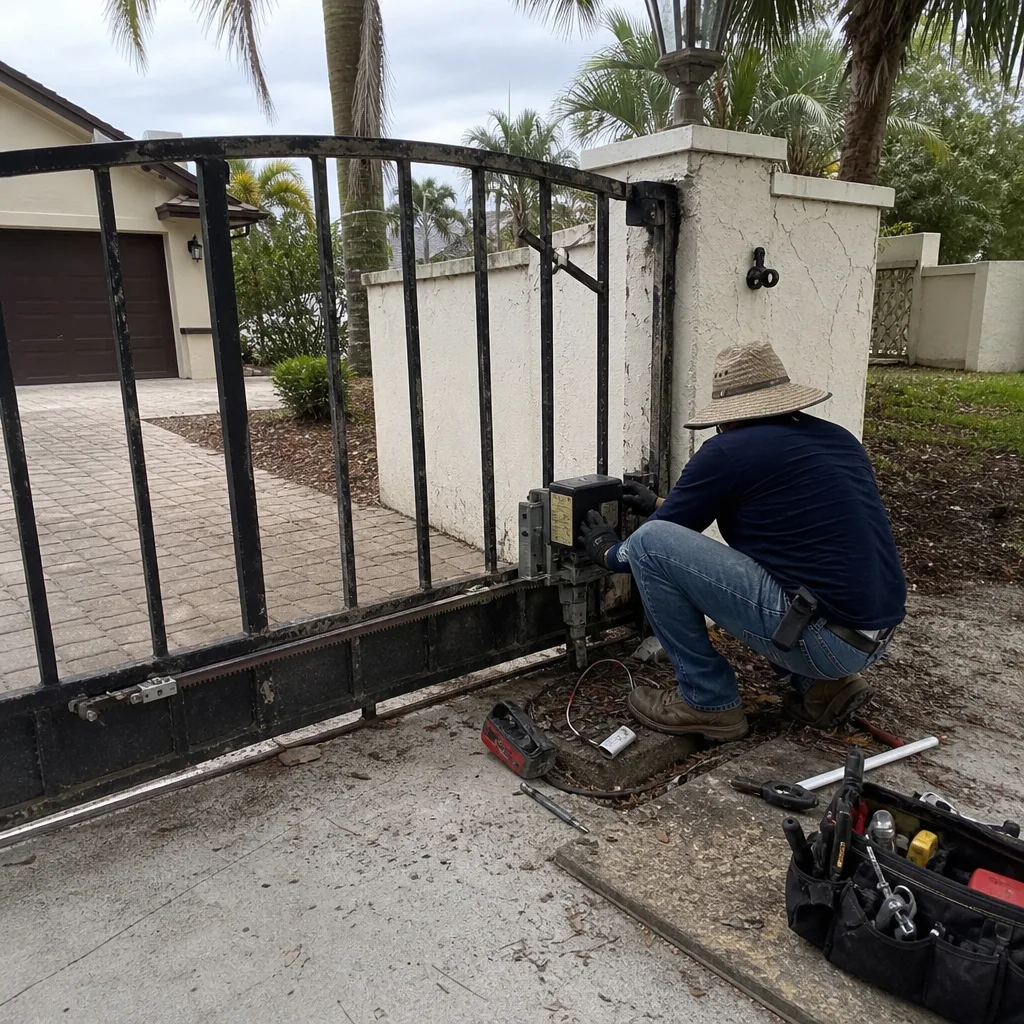 Before
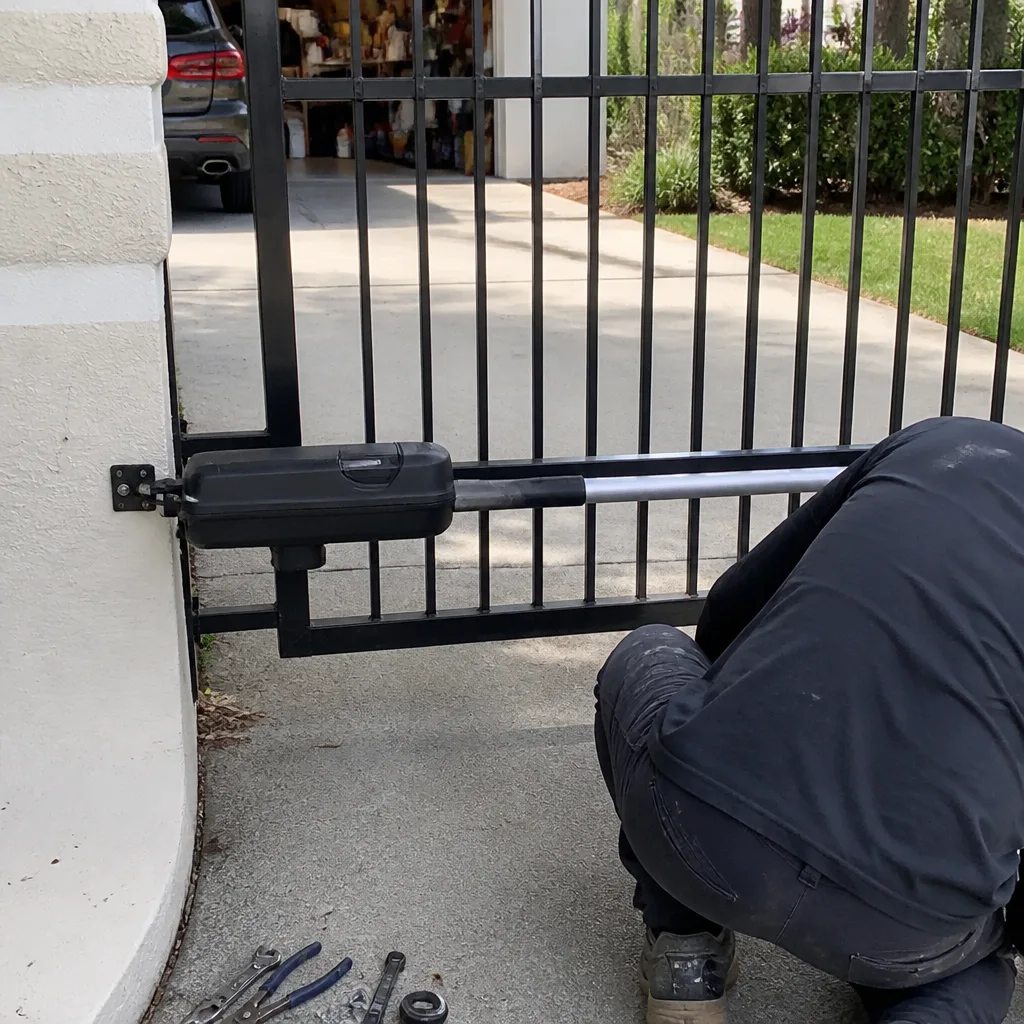 After
After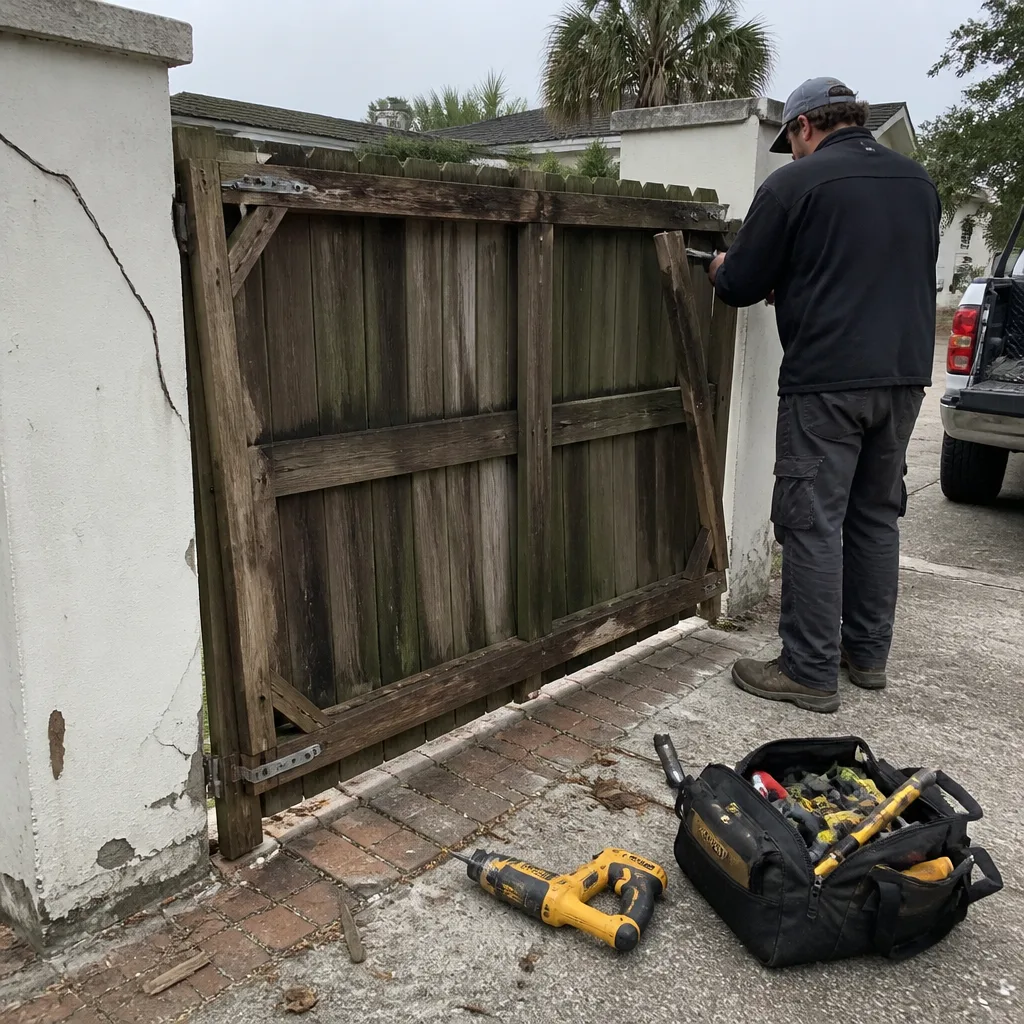 Before
 After
After