Last updated October 30, 2026
 Wrought iron
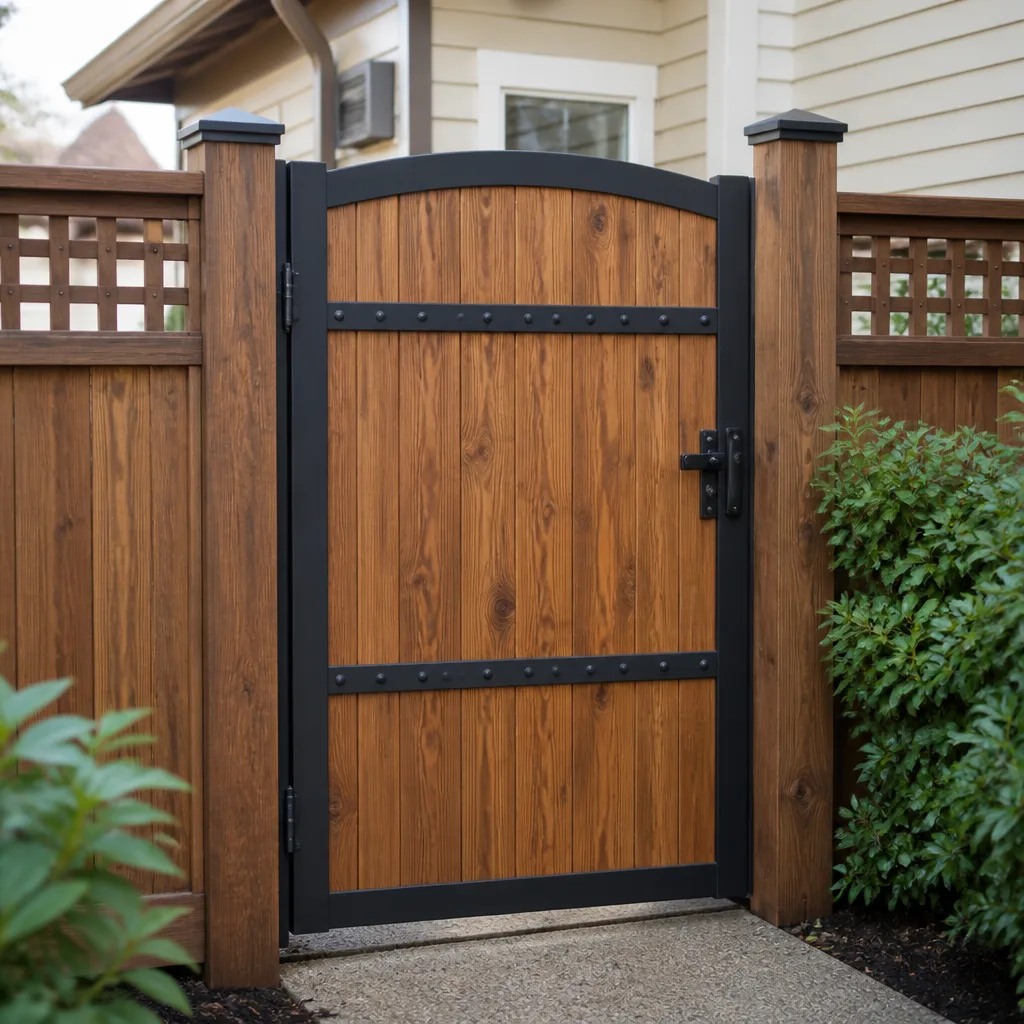 Wood & steel frame
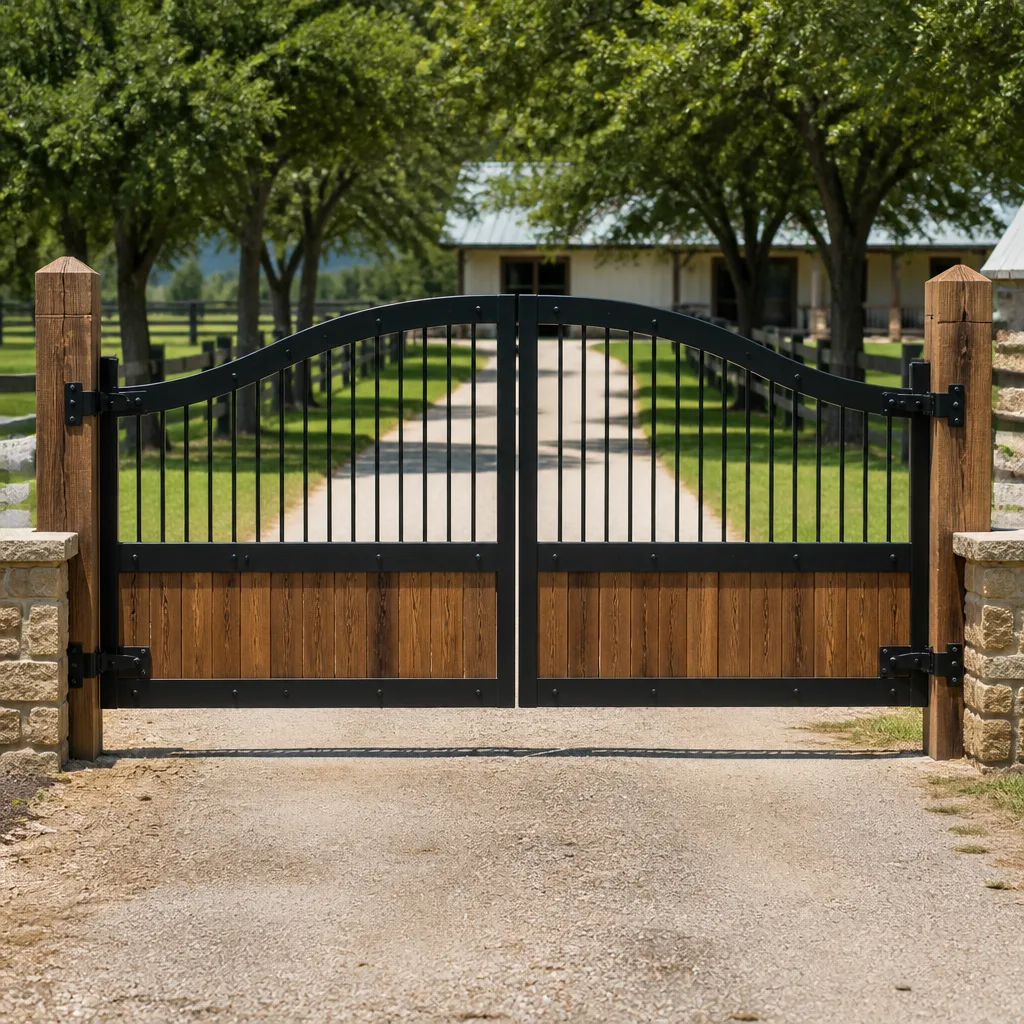 Farm & ranch
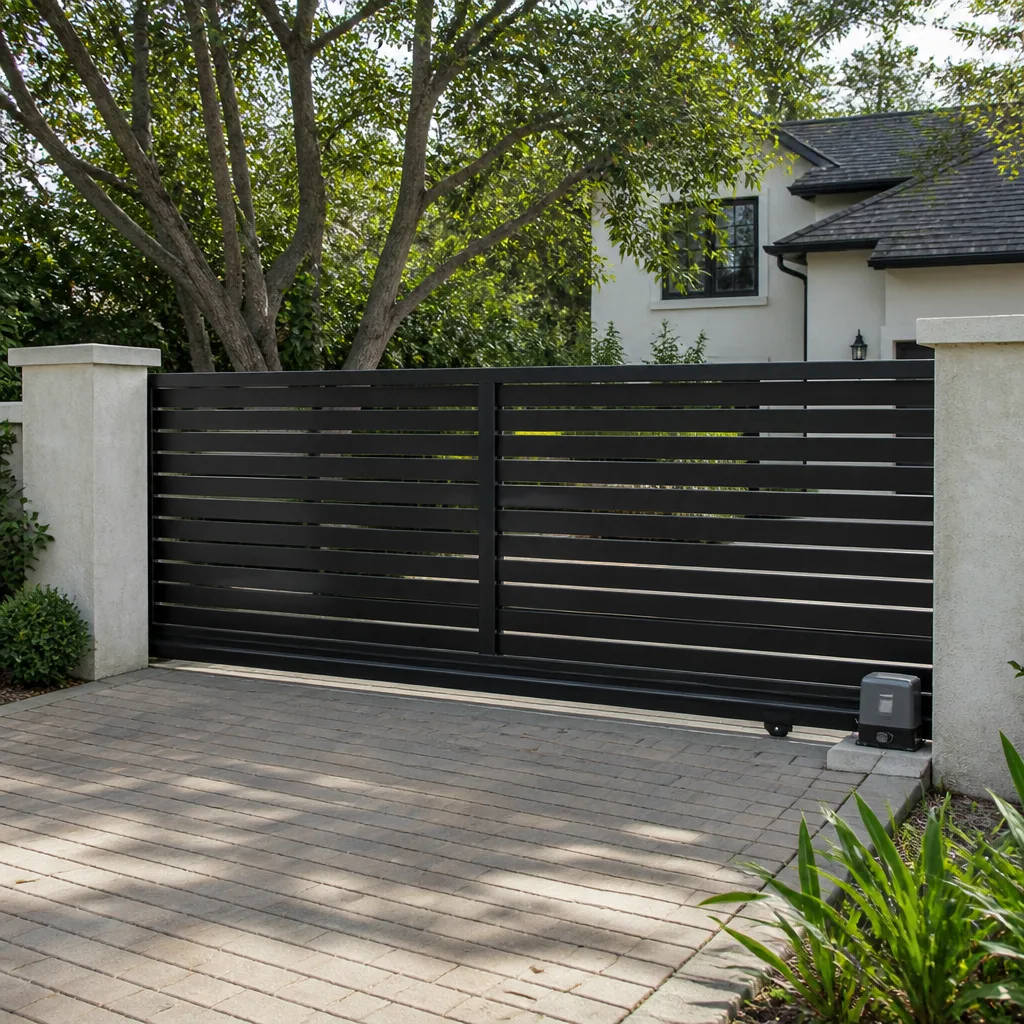 Sliding driveway gates
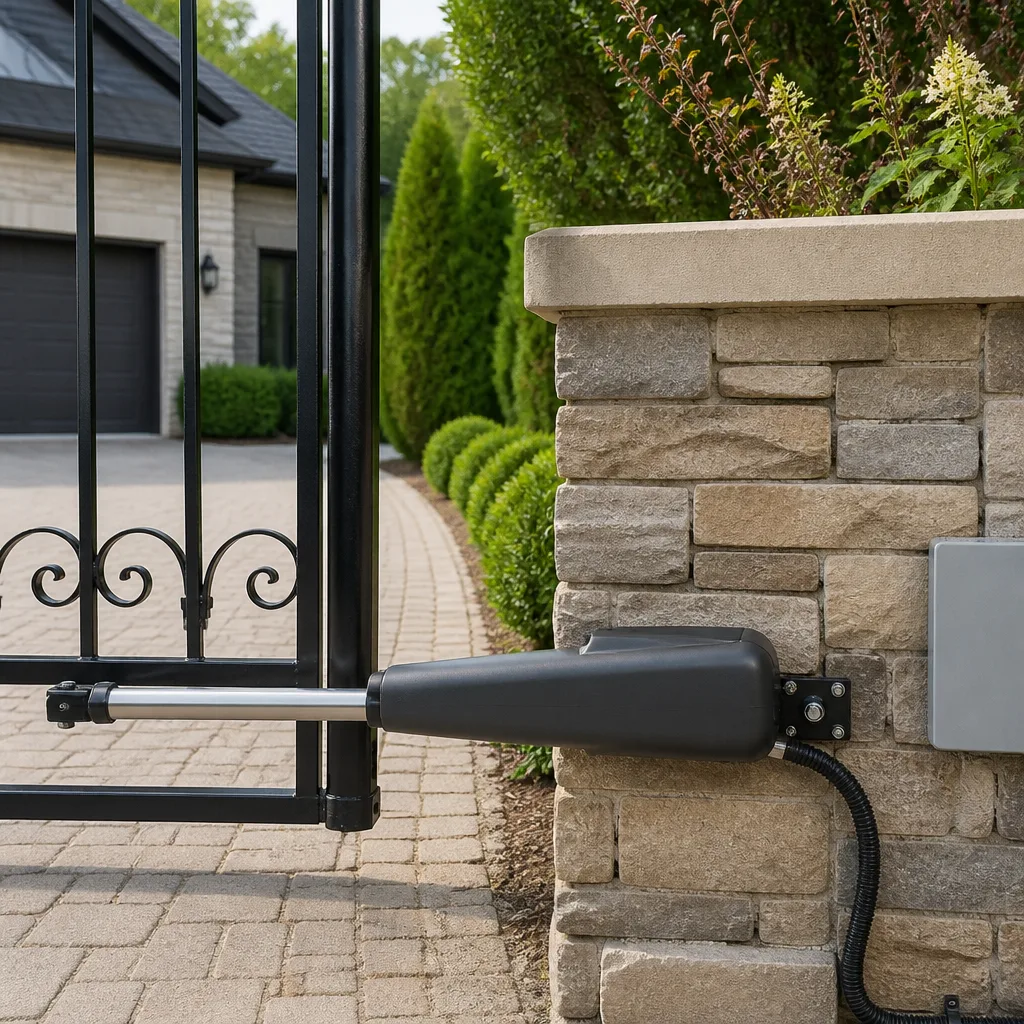 LiftMaster operators
Free on-site gate assessment - hinges, posts, and your LiftMaster or Nice gate operator checked before anything is quoted
The assessment is free and the quote is the invoice.
Get your free estimateGate Repair Warning Signs: A Daytona Beach Homeowner’s Reference Guide
A gate that hesitates slightly before opening isn’t being quirky. It’s showing you a motor torque deficit that’s usually three to six weeks from a full operator failure. Here’s the part nobody tells Daytona Beach homeowners: most catastrophic gate failures don’t happen suddenly. They broadcast themselves for weeks in the form of small sounds, tiny movements, and visual cues that get dismissed as “normal wear.” This guide teaches you to read those signals before Friday at 11 PM becomes the night your driveway gate stops working entirely.
Quick Answer
Gate repair warning signs fall into four categories: auditory (grinding, clicking, humming), erratic movement (reversing without obstruction, pausing mid-cycle, uneven speeds), visual corrosion (especially at hinges and welds in Daytona Beach’s salt air), and control panel signals (fault codes and blink patterns). Any one of these, left unaddressed for more than two to three weeks, typically escalates into a full system failure. The fix is almost always cheaper before the gate stops moving completely.
Styles & brands we work with
Table of Contents
- The Auditory Warning Signs: Grinding vs. Clicking vs. Humming
- Erratic Gate Behavior: What Reversing, Pausing, and Uneven Speeds Mean
- Visual Corrosion Indicators: What Daytona Beach Salt Air Does to Gate Hardware
- Control Panel Warning Lights: Decoding FAAC Fault Codes and Mighty Mule Blink Patterns
- Intercom and Keypad Failures: Logic Board Problems Mistaken for Remote Issues
- Hinge and Weld Wear: The Structural Failures That Precede Gate Collapse
- Preventive Maintenance for Coastal Gate Systems
- Common Mistakes to Avoid
The Auditory Warning Signs: Grinding vs. Clicking vs. Humming
Your gate speaks to you every time it cycles. Most Daytona Beach homeowners hear these sounds dozens of times daily without registering them as diagnostic data. That’s a mistake, because each sound pattern points to a distinct component failure, and the difference between a $150 fix and a $1,800 operator replacement often comes down to which sound you act on.
Grinding is the most urgent. When a gate grinds during movement, it almost always means metal-on-metal contact somewhere in the drive train: a worn drive gear, a failing bearing, or a chain that’s lost tension and is dragging across the track. In coastal environments like Daytona Beach, we see an accelerated version of this because airborne salt settles into the gear housing and acts as an abrasive paste. If your gate sounds like a coffee grinder when it moves, the drive gear is actively destroying itself. It won’t heal, and it won’t stay the same volume. It gets louder every week until the gear strips.
Clicking is different. A click that occurs once when the operator receives a signal, followed by nothing, typically indicates a relay or capacitor problem on the control board. The board is trying to engage the motor, but the electrical handshake isn’t completing. Homeowners sometimes mistake this for a remote control issue and replace batteries in three different remotes before realizing the gate still clicks from every transmitter. If you hear a single click each time you press the button but the gate doesn’t move, that’s an electrical signal problem, not a remote problem.
Humming without movement is perhaps the most misdiagnosed of the three. A gate operator that hums but produces no motion has power reaching the motor but a mechanical bind preventing movement. On chain-drive systems, this often means the chain has jumped the sprocket. On linear arm operators like those on residential swing gates, it usually means the internal screw drive has seized. You don’t fix a humming gate by replacing the remote. You fix it by freeing the drive mechanism or replacing the arm before the motor burns out from trying to move against resistance.
Erratic Gate Behavior: What Reversing, Pausing, and Uneven Speeds Mean
Erratic gate behavior is the second category of warning sign, and it’s the one that most often gets dismissed as a glitch. A gate that reverses before reaching the closed position, pauses mid-cycle, or closes noticeably faster than it opens is not having a bad day. It’s reporting a specific fault.
Reversing without obstruction is a safety sensor issue in almost every case. Photo eyes, edge sensors, or loop detectors tell the operator that something is in the gate’s path, and the operator obliges by reversing. When this happens with nothing visibly in the way, the sensor is either misaligned, corroded, or failing. In Daytona Beach, sensor housing corrosion is a regular culprit because the salt-laden air works its way into sealed connections over time. The dangerous part is the opposite failure: when a sensor fails in the “closed” position, the gate will continue closing through an actual obstruction. A gate that reverses randomly today might not reverse on a car bumper tomorrow.
Pausing mid-cycle usually points to either a torque limiting issue or a thermal overload. Operators have built-in current sensors that shut the motor off when it draws more amperage than expected. A gate that pauses for ten seconds, then resumes, is hitting its current limit, cooling briefly, and trying again. This means the gate is working harder than it should be: a hinge binding, a wheel dragging, a track out of alignment. The pause isn’t the problem. The underlying resistance causing the pause is the problem, and it’s accelerating wear on every moving part.
Uneven speeds between opening and closing cycles are particularly telling on swing gates. A gate that opens briskly but closes slowly, or vice versa, often has a mechanical bind that only affects one direction of travel. Hinge wear is the most common cause. A lower hinge that’s carrying more weight than it was designed for will cause the gate to sag, which increases resistance through one specific arc of movement. The operator compensates by drawing more current, which eventually burns out the motor or strips gears. This speed differential is one of the earliest detectable warnings of hinge failure, and it’s visible weeks before the gate starts dragging on the ground.
Visual Corrosion Indicators: What Daytona Beach Salt Air Does to Gate Hardware
Daytona Beach sits in one of the most aggressive corrosion environments in Florida. The combination of Atlantic salt air, high humidity, and frequent afternoon thunderstorms creates ideal conditions for galvanic corrosion on metal gate components. Homeowners who grew up inland often underestimate how fast this happens here. A galvanized hinge that would last twenty years in Orlando might show significant pitting in five to seven years three blocks from the beach.
The first place to look is the hinge points. Standing rust on or below hinges is an early warning sign of internal wear, and it matters more than surface rust on flat panels. Hinges carry the weight of the entire gate, and when their pins corrode, the gate begins to sag. Sagged gates don’t just look bad: they bind against the operator, causing exactly the uneven-speed and pausing behaviors described above. Hinge rust is never cosmetic.
Weld joints are the second visual checkpoint. On steel gates, welds are natural corrosion starting points because they create microscopic gaps where salt water can sit. Look for rust staining that starts at a weld and spreads outward, or for the characteristic “rust bleed” that streaks downward from a weld point. This indicates the weld is losing structural integrity. A gate that breaks at a weld doesn’t fail gracefully. It swings, drops, or detaches, and a heavy steel gate coming off its hinges is a serious safety hazard.
The third checkpoint is underground conduit entry points, where control wiring exits the ground and enters the gate or operator housing. This junction is a salt water trap. Water wicks up the conduit, collects at the joint, and slowly corrodes the wiring inside. Homeowners in Daytona Beach’s beachside neighborhoods, from Ormond-by-the-Sea down through Wilbur-by-the-Sea, see this failure mode more than anyone else in the county. Visual clues include green-white powdery buildup on the conduit, cracked conduit seals, or standing water at the base during rain. Intermittent electrical problems that get worse after heavy rain almost always trace back to a compromised underground conduit joint.
Control Panel Warning Lights: Decoding FAAC Fault Codes and Mighty Mule Blink Patterns
Modern gate operators include diagnostic systems that broadcast failure information through LED patterns and digital fault codes. Learning to read these is like having a mechanic ride along with your gate. The information is already there. Most Daytona Beach homeowners just don’t know they can read it.
FAAC fault code 4 is one of the most commonly misread signals on residential swing gates. The code indicates an obstacle detection event during closing, which sounds straightforward until you realize that “obstacle” can mean several things. It can mean a physical object physically blocking the gate. It can mean a failing torque sensor that’s registering normal resistance as excessive. It can mean a hinge binding during the close cycle that mimics an obstacle. Homeowners see code 4 and assume something is in the way. They clear the driveway, reset the system, and the code returns. The real diagnosis requires checking the entire close cycle for mechanical resistance, not just removing the trash can from the path. On FAAC systems, repeated code 4 events are often the earliest warning of hinge or bearing wear.
Mighty Mule red blink patterns are simpler to decode but just as frequently ignored. A Mighty Mule control board uses a red status LED that blinks in specific sequences. Two blinks followed by a pause indicates a low-battery or power-supply issue on the operator. Three blinks indicates a safety sensor fault. A solid red light indicates the board has entered a learn-mode or is not receiving a valid signal from the remote. The most commonly ignored pattern is the two-blink sequence, because homeowners see the gate still operating and assume the light is just “doing its thing.” Two blinks means the battery is dying, and a dead battery in a Mighty Mule system means the gate will not operate during a power outage. In a storm-prone coastal market like Daytona Beach, that’s a bigger deal than homeowners realize.
LiftMaster operators, which we see frequently on both residential and light-commercial gates in the area, use a different convention: arrows or diagnostic codes that flash on a small display. A LiftMaster that flashes “1” and “3” in sequence is reporting a force reversal, which works the same way as the FAAC code 4: something in the system is making the close cycle harder than it should be, and the operator is protecting itself by reversing. The pattern matters less than the fact that the operator is telling you it’s working too hard. Every one of these systems has a diagnostic language. The gate isn’t broken yet. It’s asking for help before it breaks.
Intercom and Keypad Failures: Logic Board Problems Mistaken for Remote Issues
Here’s the warning sign that costs Daytona Beach homeowners the most money through misdiagnosis: the intercom or keypad that stops working correctly. These failures get blamed on remotes, fobs, and keypads themselves far more often than they should be. The truth is that access control devices are usually fine. The logic board they connect to is the component that’s actually failing, and it’s the most expensive part to replace.
Here’s how the misdiagnosis works. A homeowner’s keypad stops accepting the code on the first try. Or the intercom buzzes but doesn’t release the gate when the button is pressed. The homeowner assumes the keypad or intercom unit is the problem, orders a replacement, swaps it out, and the problem persists. They’ve now spent money on a new access device while the actual fault sits on the control board inside the operator housing.
The way to tell the difference is to test with multiple access devices. If the remote in your car opens the gate but the keypad on the post doesn’t, that’s a keypad problem. If multiple devices fail or work inconsistently, that’s a logic board problem. A logic board that’s failing will often show these specific signs: it works when the operator is cool but fails when the unit has been in direct sun for several hours, it accepts the code but releases the gate five to ten seconds later, or it works intermittently with no correlation to remote battery levels or weather conditions. These are board-level failures, and they typically progress from intermittent to permanent over a period of weeks to months.
DoorKing systems, common on commercial and HOA gates throughout the Daytona Beach area, have a version of this same failure pattern. DoorKing boards are generally reliable, but when they fail, the failure often shows up first at the access control panel. Call buttons stop responding. Relay clicks happen but the gate doesn’t move. The board is losing its ability to communicate with the operator’s motor controls, and delaying replacement only increases the chance of a full system lockout during business hours. The same principle applies to Elite systems, which we service regularly on residential estates through the mainland corridor from Port Orange up to Ormond Beach. If the access panel misbehaves, look at the board before you blame the panel.
Hinge and Weld Wear: The Structural Failures That Precede Gate Collapse
Structural gate failures are the least common but most dangerous category of gate problem. A gate that falls or detaches can cause serious injury, and the warning signs for structural failure are visible for months before the actual event. The problem is that most people never look at their hinges and welds once the gate is installed.
Step 1: Check the gate’s level. Stand at one end of the gate and sight along the top rail. A healthy gate should be dead level. If the free end of the gate sits lower than the hinge end, even by half an inch, the hinges are already carrying uneven load. This is the first measurable sign of hinge wear, and it appears months before visible rust or binding.
Step 2: Test the play in the hinge. With the gate closed, push on the free end of the gate perpendicular to its face. The gate should move as a solid unit. If you feel any movement between the gate and the post at the hinge point, that’s mechanical play inside the hinge barrel. It means the hinge pin and bearing surfaces are wearing, and every cycle of the gate is making the play worse.
Step 3: Inspect the weld points. Look at every place where two pieces of metal meet on the gate frame. Run your fingers along the welds. Crumbling, flaking, or rust staining at a weld line is a structural red flag, especially on gates exposed to Daytona Beach’s marine air. A weld that’s losing material is losing strength, and gate frames fail at the weakest weld, not the strongest.
Step 4: Check the gate’s path clearance. Look at the ground under the free end of the gate. If the gate is dragging, scraping, or leaving marks on the concrete or pavers, the gate has already dropped. Every cycle is grinding metal against the ground, which adds stress to the operator and accelerates hinge wear simultaneously. A dragging gate is a gate that’s actively failing.
Any one of these four checks takes less than a minute. Together they give you a complete picture of your gate’s structural health. The alternative is waiting until the gate falls, and the difference between catching hinge wear early and dealing with a collapsed gate is the difference between a hinge replacement and a full gate rebuild.
Preventive Maintenance for Coastal Gate Systems
Everything in this guide points toward one practical reality: gates in coastal Florida environments need more attention than gates anywhere else. The same salt air that makes Daytona Beach a great place to live makes it a rough place for gate hardware. The good news is that preventive maintenance is straightforward once you know what to look for, as covered in our Seasonal Gate Repair Care for Daytona Beach: Year-Round Homeowner’s Guide.
- Lubricate hinges and moving parts quarterly. Use a marine-grade lubricant designed for salt environments. This isn’t optional near the coast. Unlubricated hinges in Daytona Beach’s salt air will corrode and bind within a few years.
- Flush visible corrosion monthly during the rainy season. A garden hose and a soft brush can remove salt deposits from hinges, tracks, and operator housings before they eat into the metal. This is a five-minute task with real longevity benefits.
- Test the safety sensors every month. Place something in the gate’s path and verify that the gate reverses. A safety sensor that fails silently is a liability waiting to happen.
- Check conduit joints and wiring entry points after heavy rain. Standing water or fresh corrosion at these points means water is getting into the wiring, which leads to the intermittent electrical failures described earlier.
- Listen to the gate cycle once a week. You know what your gate normally sounds like. Changes in that sound profile, even subtle ones, are the earliest warning system you have.
- Document operator warning lights when they appear. Take a photo or video of any blinking pattern you see on the control board. When you call a technician, having that pattern documented means a faster diagnosis.
For Daytona Beach homeowners, this maintenance schedule is the difference between gates that last twelve to fifteen years and gates that need major work at the five-year mark. The salt air isn’t going anywhere. Your maintenance habits determine whether it eats your gate or just adds some patina.
Common Mistakes to Avoid
- Replacing remotes when the board is failing. This is the most common mistake we see. The remote works fine. The board doesn’t. Test all transmitters before buying new ones.
- Ignoring a gate that reverses occasionally. Reversal is a symptom, not a glitch. It means the operator is detecting something wrong, and “wrong” usually gets worse if ignored. A gate that reverses today might fail to reverse on a person tomorrow.
- Lubricating without cleaning first. Spraying fresh lubricant over a salt and sand mixture creates an abrasive paste that accelerates wear. Clean the surface, then lubricate.
- Waiting for total failure before calling for service. Every failure mode in this guide gets more expensive the longer it goes unaddressed. A $200 hinge replacement becomes a $2,500 operator replacement when the binding hinge burns out the motor.
- Assuming all gate technicians are equal. Gate systems are specialized. A general contractor or garage door shop that does gates “on the side” doesn’t have the diagnostic depth that a dedicated gate specialist brings. The difference shows up in faster diagnoses and fewer unnecessary part replacements.
- Ignoring rust because “it’s Florida.” Rust is environmental, but it’s also manageable. Letting it spread until something breaks means paying for the component failure and the deferred maintenance simultaneously.
See the difference
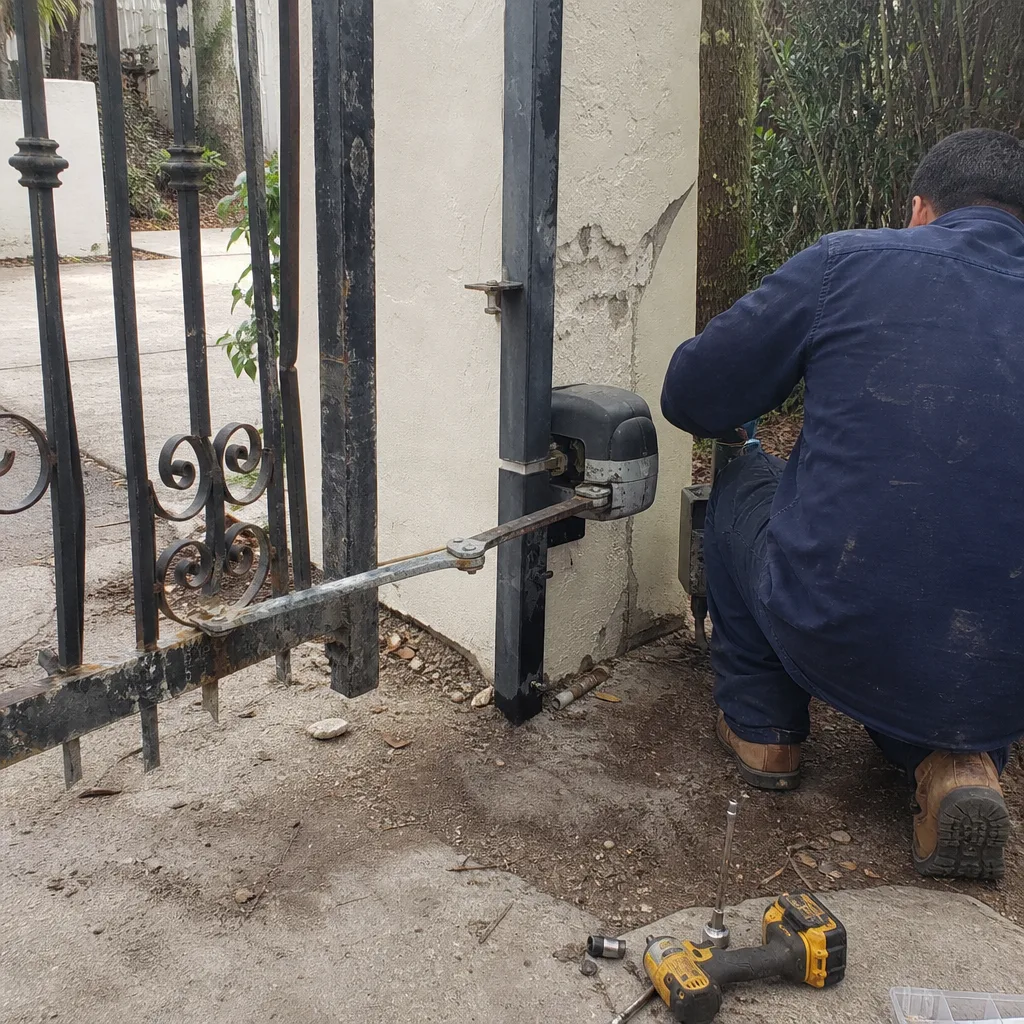 Before
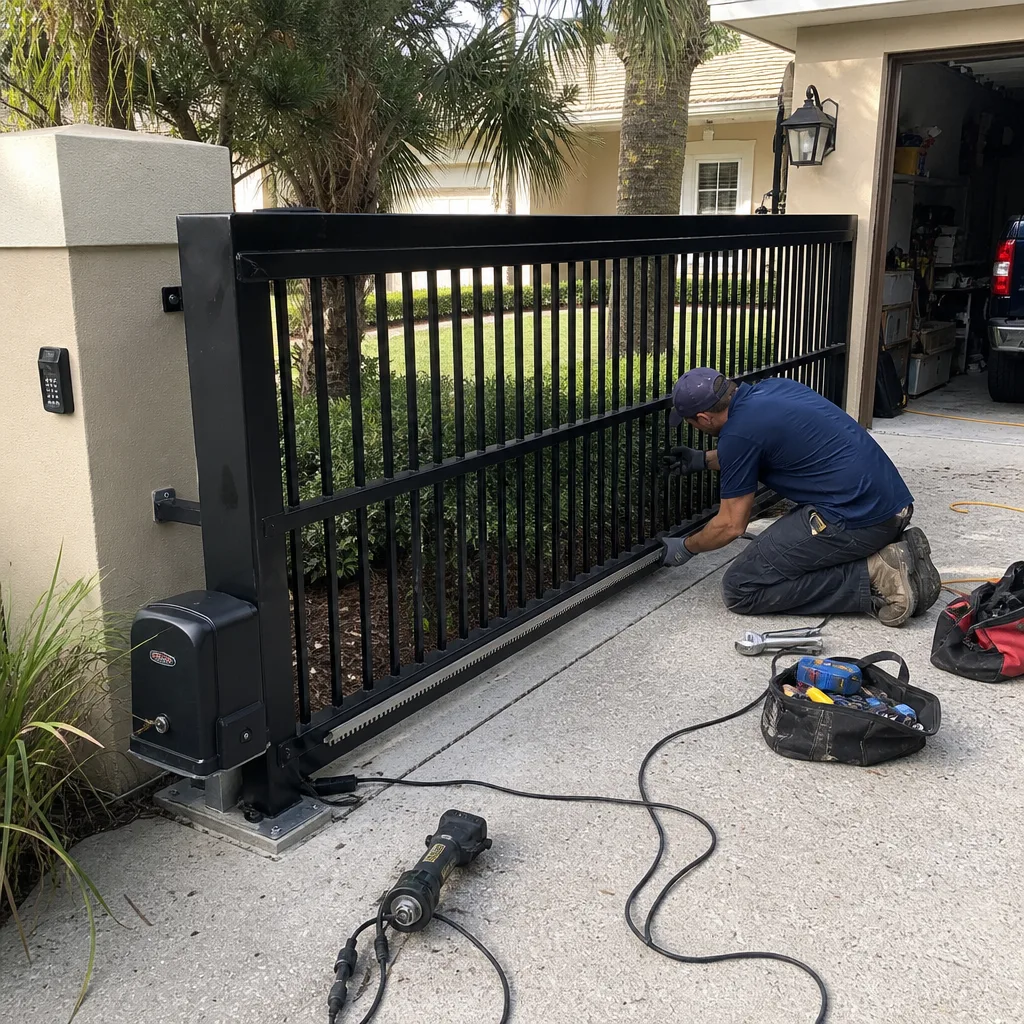 After
After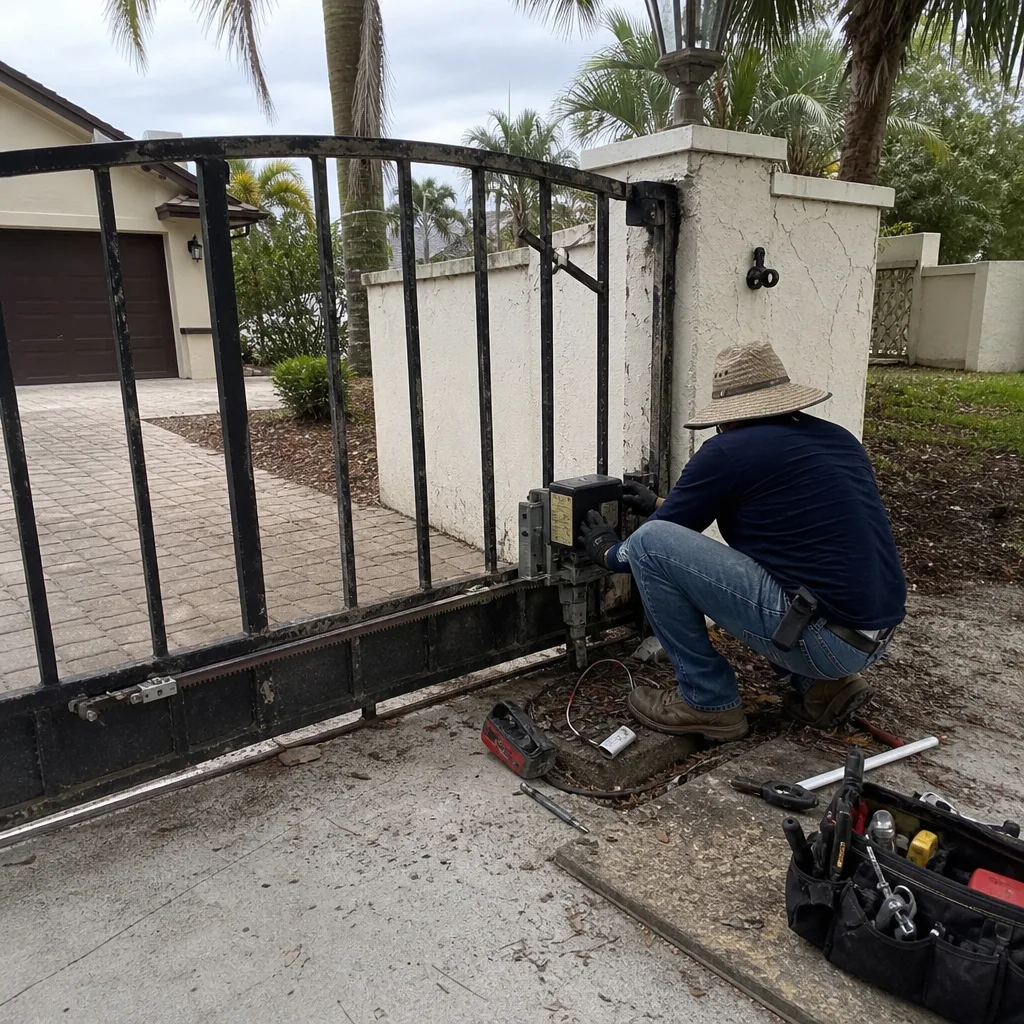 Before
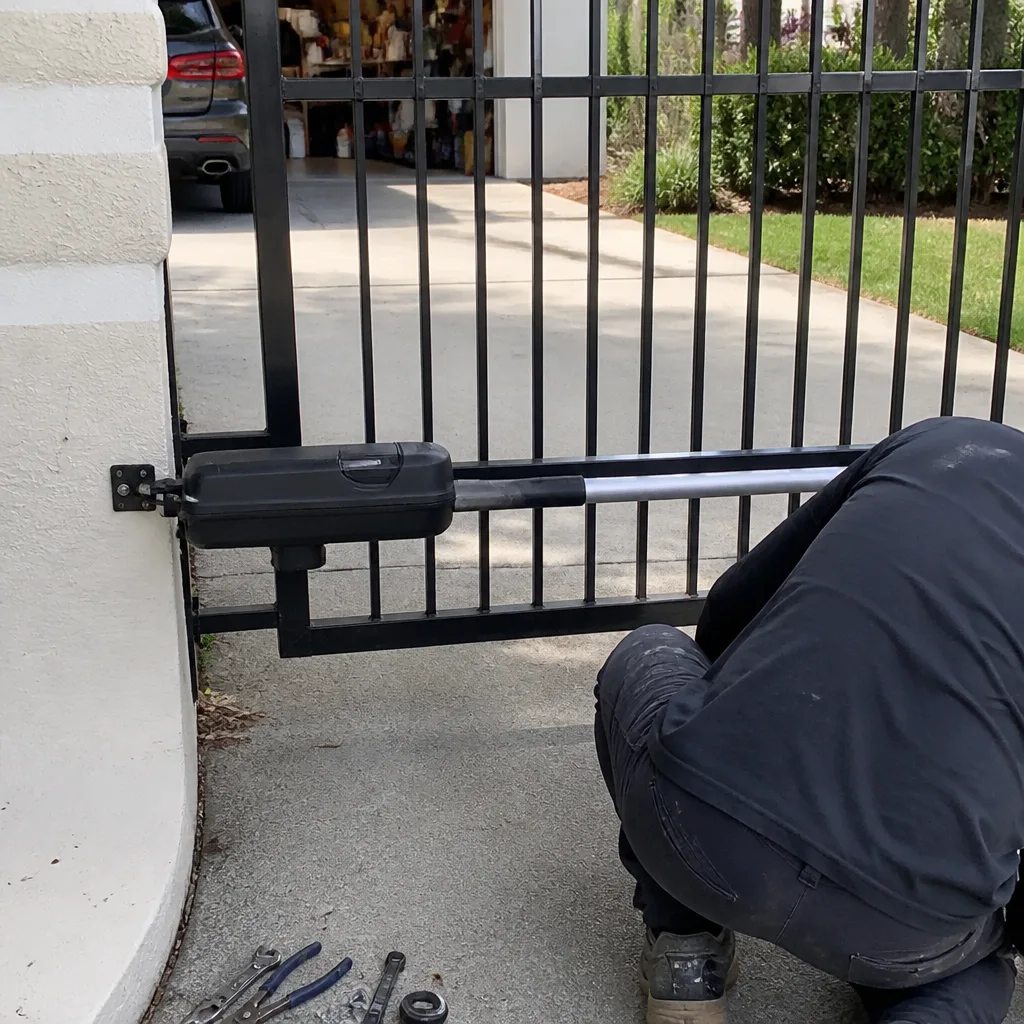 After
After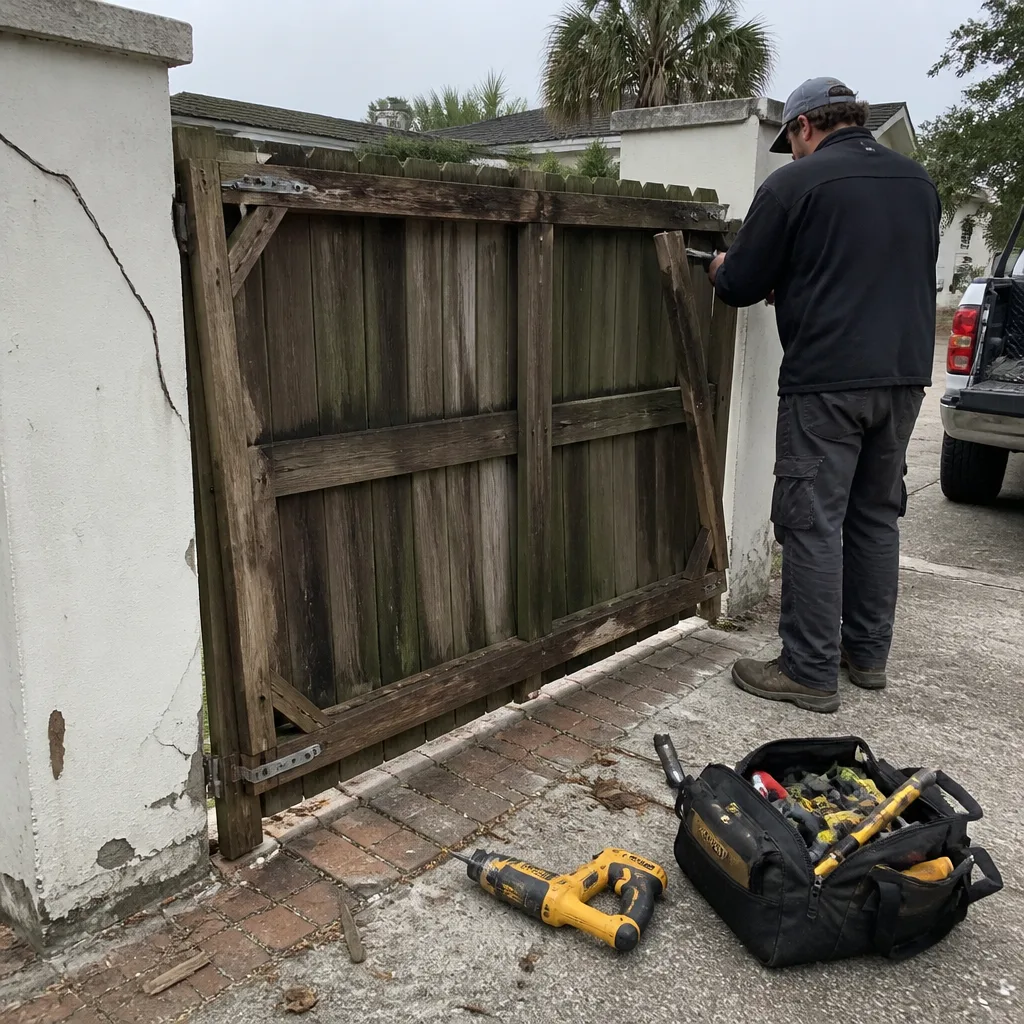 Before
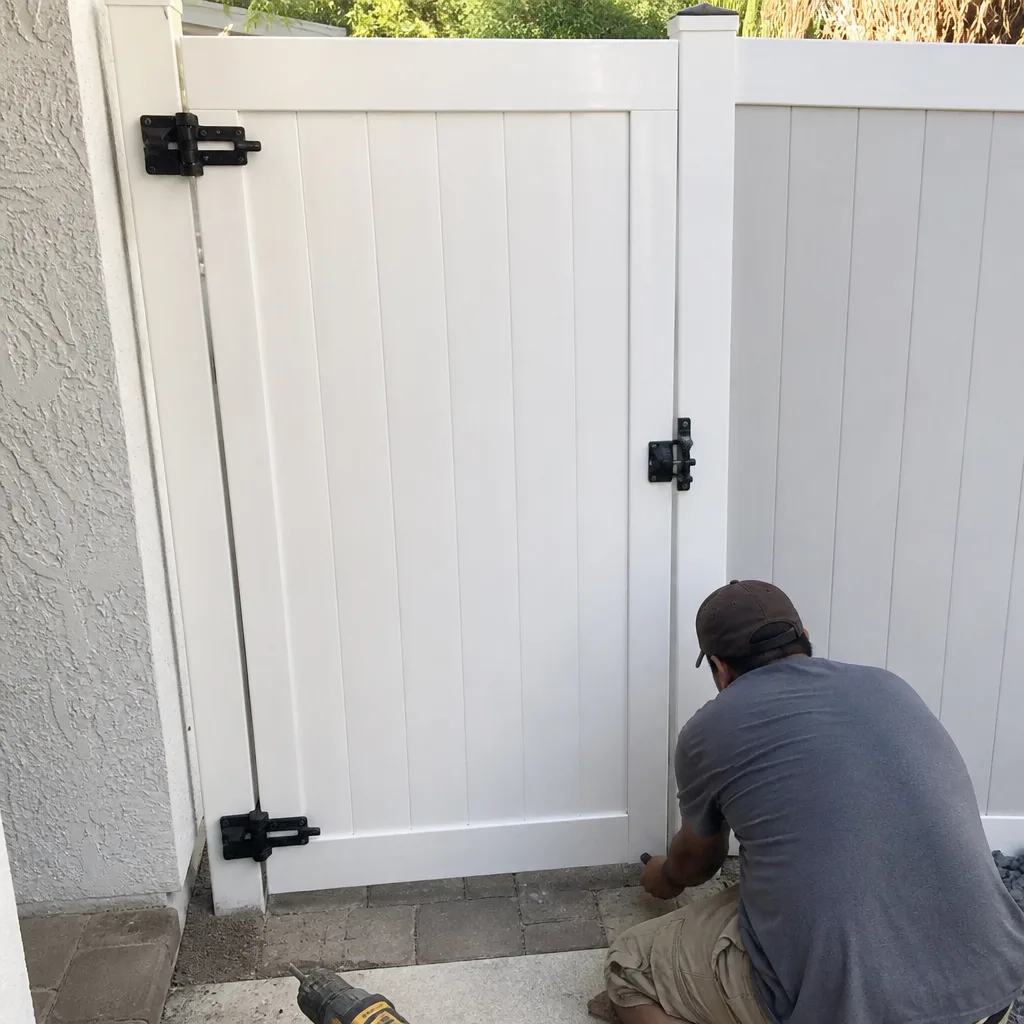 After
AfterWhen to Call a Professional
Some gate issues are observable and manageable on your own. Some are not. Call a gate specialist if you hear grinding during operation, if your gate reverses with nothing in the way, if you see rust staining at weld points or hinge connections, if your control board displays fault codes you can’t identify, if multiple access devices fail at once, or if your gate is visibly sagging. High-tension springs, torque tubes, and heavy gate panels are dangerous to work on without proper training and equipment. We’ve seen well-meaning DIY repairs turn into hospital visits because a spring released unexpectedly or a gate shifted during disassembly. Regent Gate Repair offers Gate Repair services with free estimates in Daytona Beach, and our team works on gates exclusively. Call (855) 927-1091 and tell us what you’re seeing or hearing. We’ll tell you if it’s urgent or if it can wait.
Frequently Asked Questions
The earliest reliable warnings are auditory: grinding, clicking, or humming during operation. Grinding means mechanical wear in the drive train. Clicking without movement means an electrical signal problem. Humming without movement means a seized drive mechanism. Any of these, followed by erratic behavior like reversing or pausing, indicates a failure is weeks away.
A gate that reverses with no visible obstruction has a failing or misaligned safety sensor, or a mechanical bind that’s triggering the operator’s torque sensor. This is not a glitch. It’s an early warning of sensor corrosion or hinge wear, and it will get worse if left unaddressed.
Grinding indicates metal-on-metal contact in the drive train, typically from a worn drive gear, a failing bearing, or a loose chain. In Daytona Beach, salt air accelerates this by introducing abrasive particles into the gear housing. The sound will not improve on its own, and continuing to operate the gate is destroying the very parts you’ll need to replace.
Gate repair in Daytona Beach typically ranges from $125 to $350 for common fixes like sensor realignment, hinge lubrication, or remote programming. Operator replacements run $800 to $2,500 depending on the brand and type. Full gate replacements start around $3,000 and go up based on size and material. Every repair we quote includes a written price agreed before any work begins, so you’ll never see a surprise invoice.
For most mechanical and electrical gate failures, yes. We stock parts for all nine brands we service and can typically diagnose and repair in a single visit. Emergency calls are prioritized for gates that won’t open or close at all. For the most accurate timeline, call (855) 927-1091 and describe what’s happening. We’ll tell you honestly when we can get there.
For coastal properties, an annual service visit is ideal. Homes right on the barrier island or within a mile of the ocean see accelerated corrosion and may benefit from semi-annual checks. A good service visit covers hinge lubrication, sensor testing, operator diagnostic review, and corrosion control, and it’s significantly cheaper than the repairs it prevents.
The Bottom Line
Gate failures don’t arrive without warning. They announce themselves through sounds you’ve been ignoring, movements you’ve dismissed as quirks, and rust you’ve assumed is just how things look here. Reading those signals early means the difference between a cheap hinge replacement and an expensive operator rebuild; for additional help, see our guide on How to Hire a Gate Repair Contractor in Daytona Beach: A Step-by-Step Guide. It’s the difference between fixing a sensor and replacing a gate that failed to reverse. Daytona Beach’s coastal environment punishes deferred maintenance faster than inland locations do, which means the vigilance matters more here. If you hear grinding, if your gate reverses unexpectedly, if the keypad is acting strange, call before it Friday-at-11-PM’s you. Call (855) 927-1091 for a free estimate, and let’s get your gate healthy before it fails.
This guide is intended for Daytona Beach homeowners and property managers. For gate issues in Flagler Beach gate repair, our service area extends north through the coastal communities. We also provide electric gate repair in Flagler Beach for automated systems, and gate installation in Flagler Beach when replacement is the better option. For all inquiries, start at the Regent Gate Repair home page or call (855) 927-1091.
Written by the team at Regent Gate Repair, serving Daytona Beach since 2013. Explore more guides & resources.